CalTopo
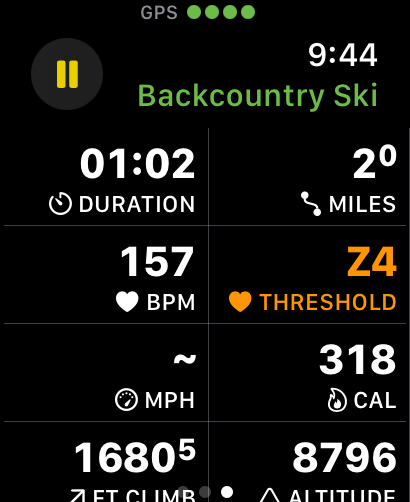
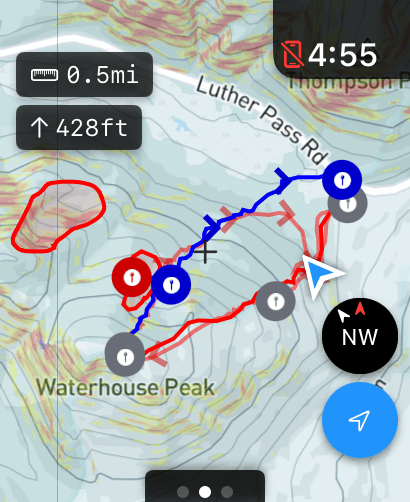
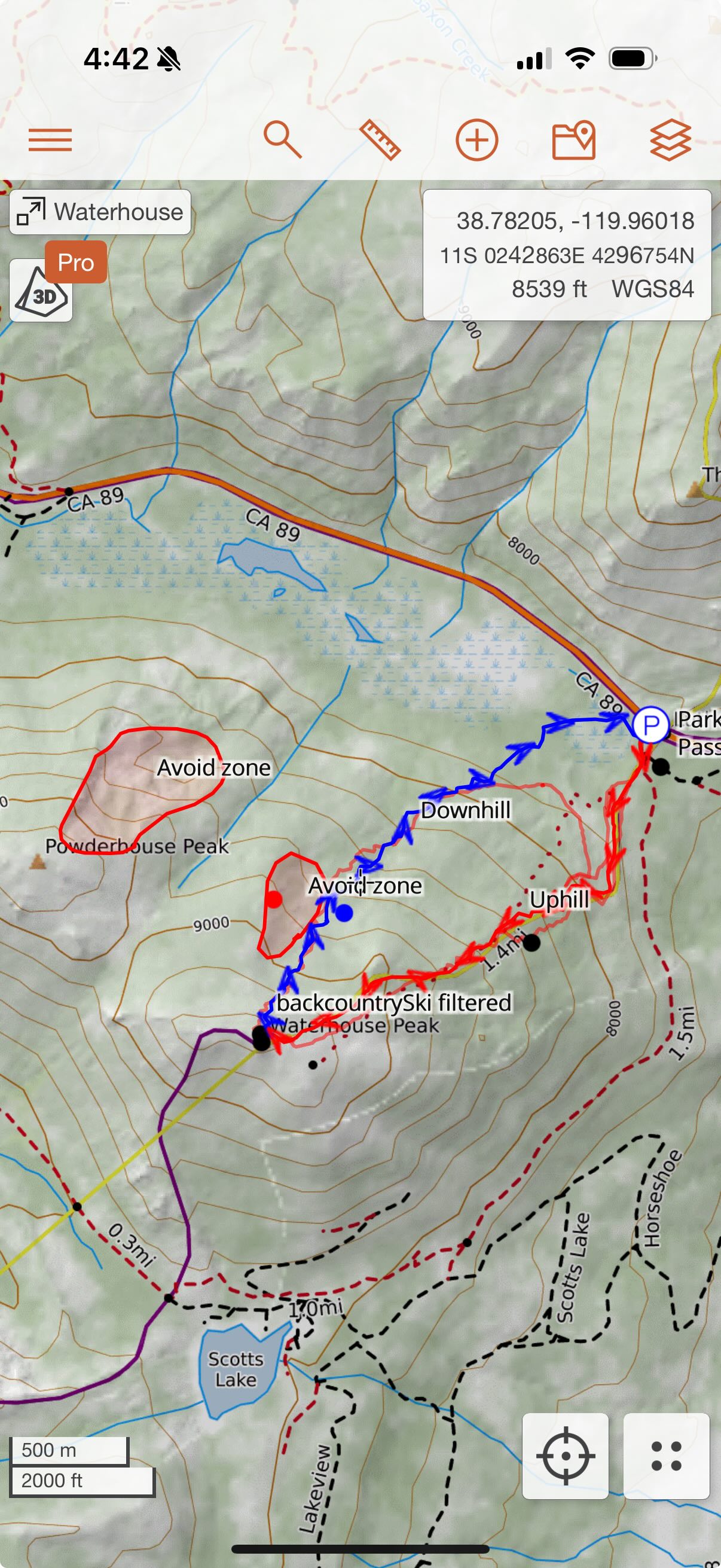
Mappa is a powerful Apple Watch companion app to CalTopo. Sync routes, waypoints, and workouts with your watch. Mappa supports downloading offline map tiles, displaying route files, and showing your progress on the map.
Import a Route
-
Open "Map Items".
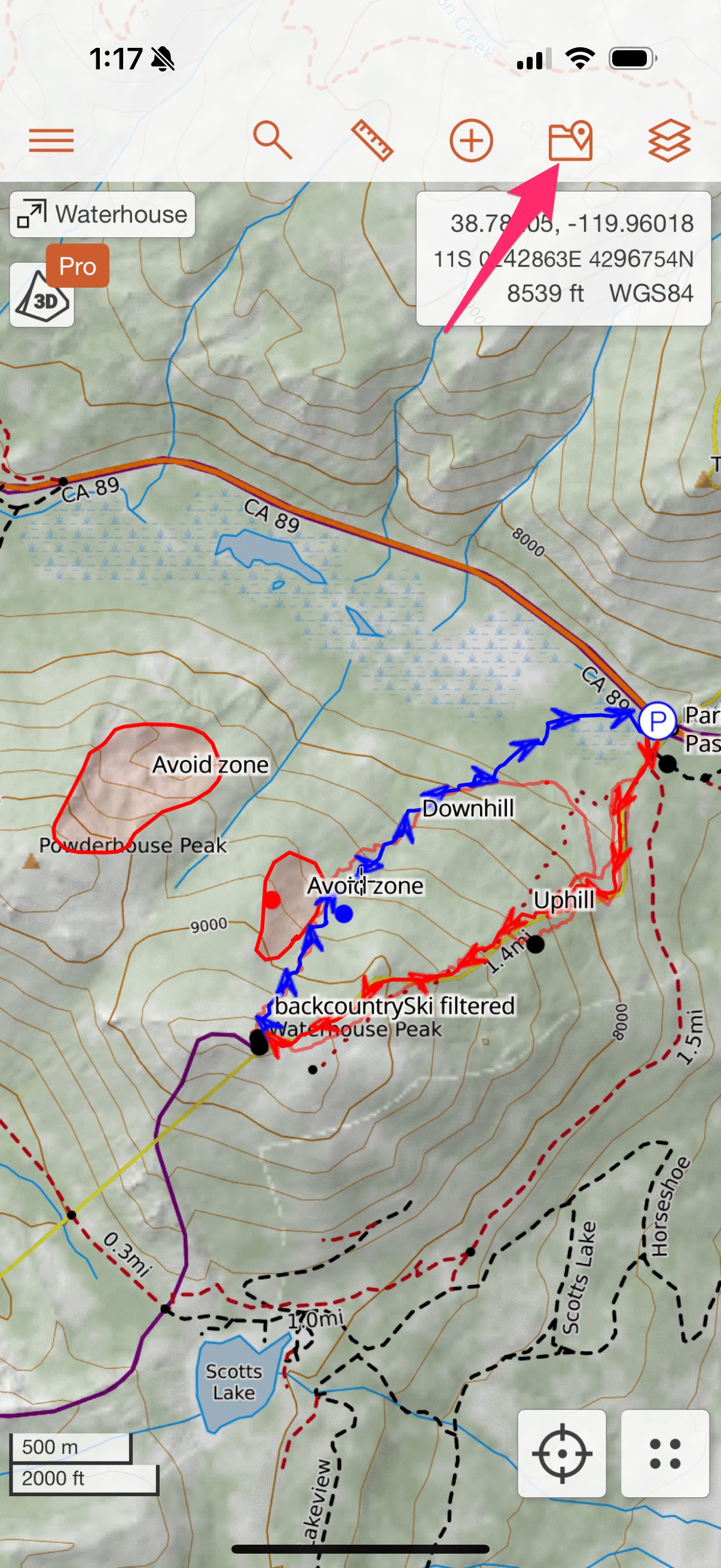
-
Select the tracks and markers you'd like to export and hit "Export".
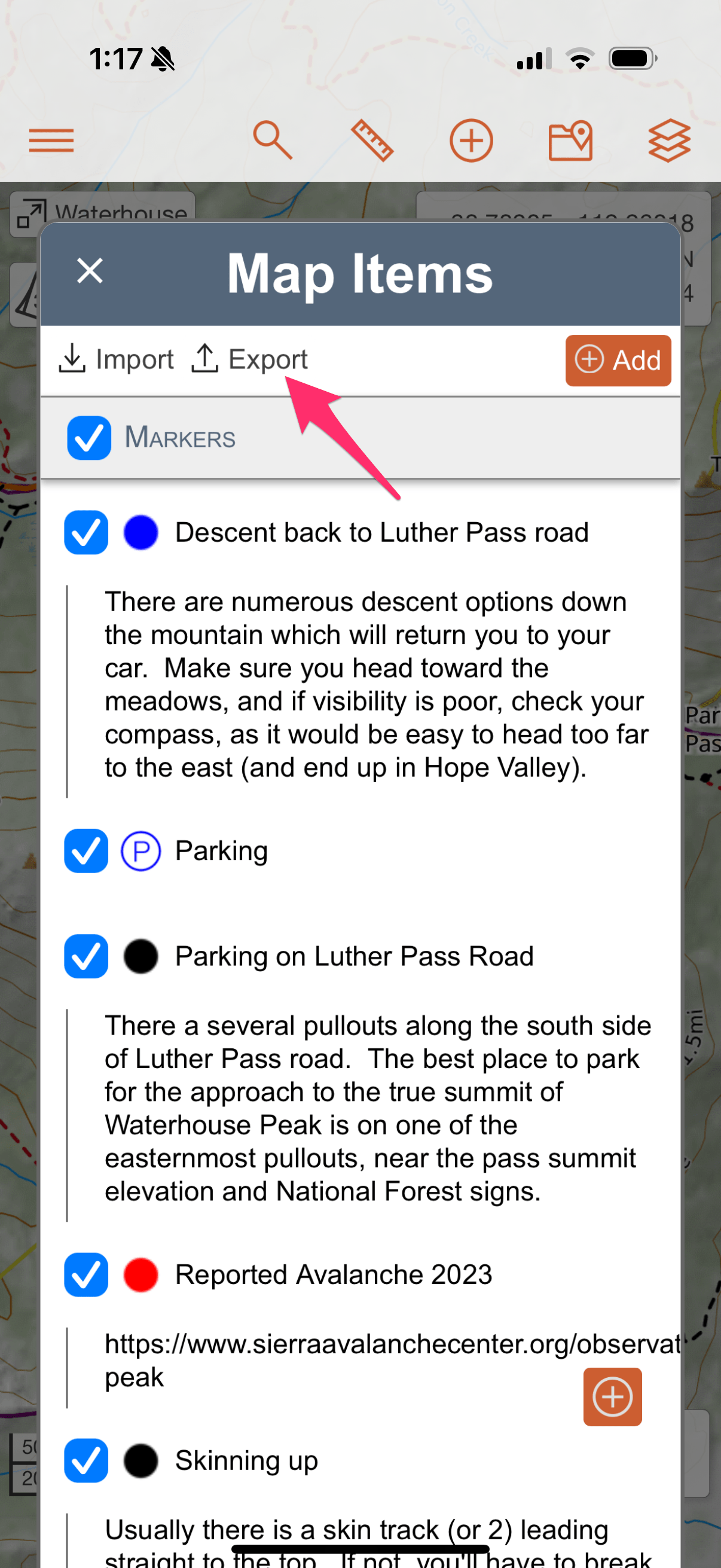
-
Keep the GeoJSON format selected (it has the retains the most detail) and hit "Export".
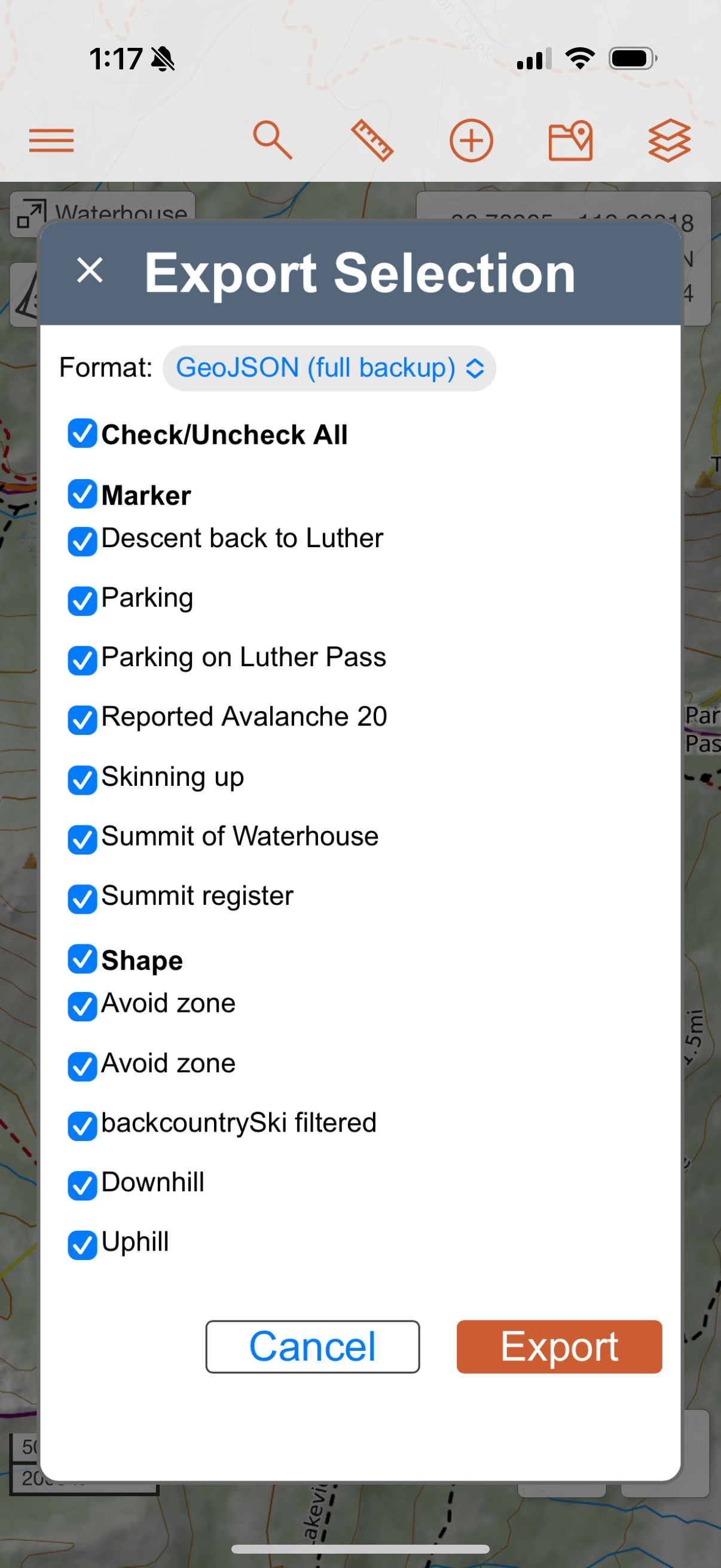
-
Select Mappa from the share sheet.
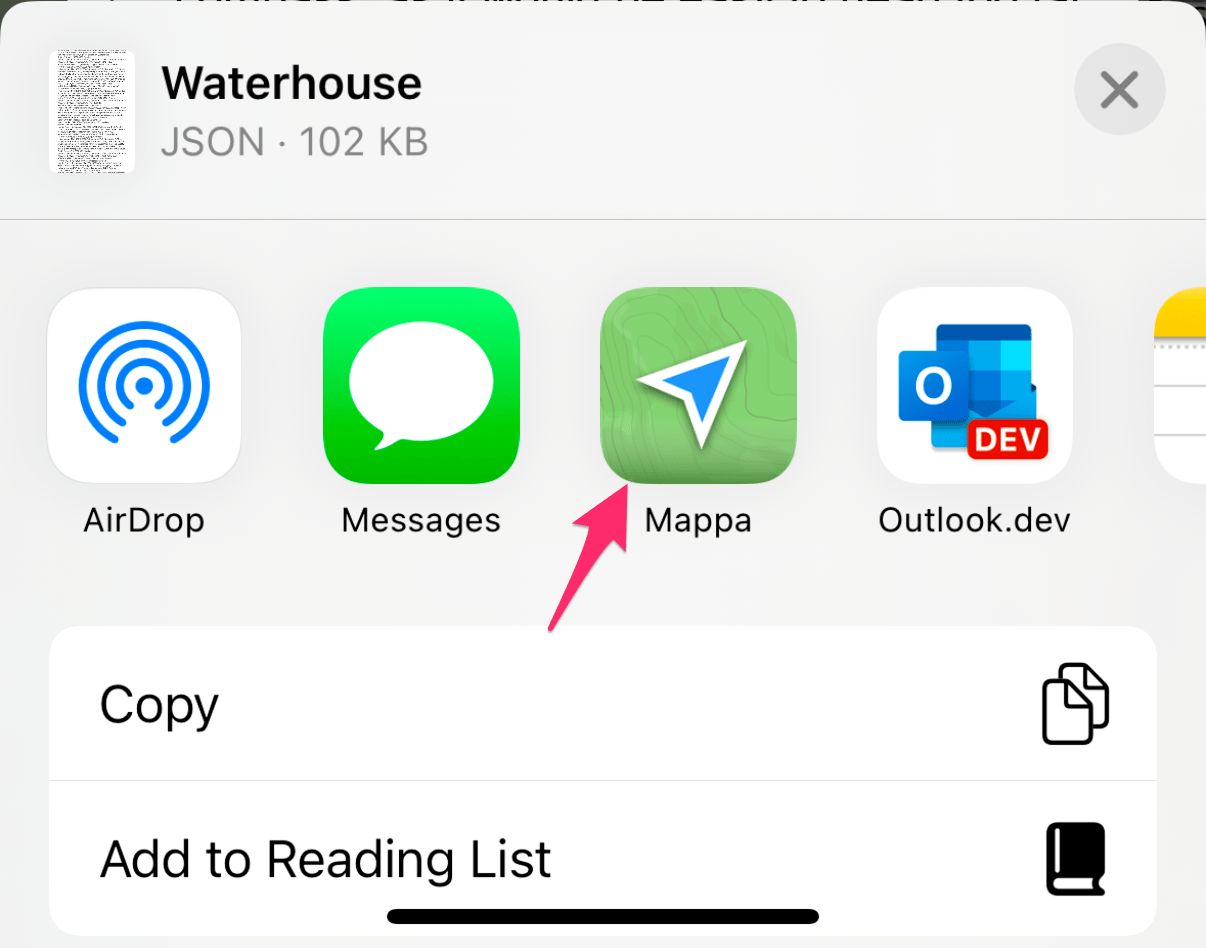
-
The route will automatically be synced to the watch.
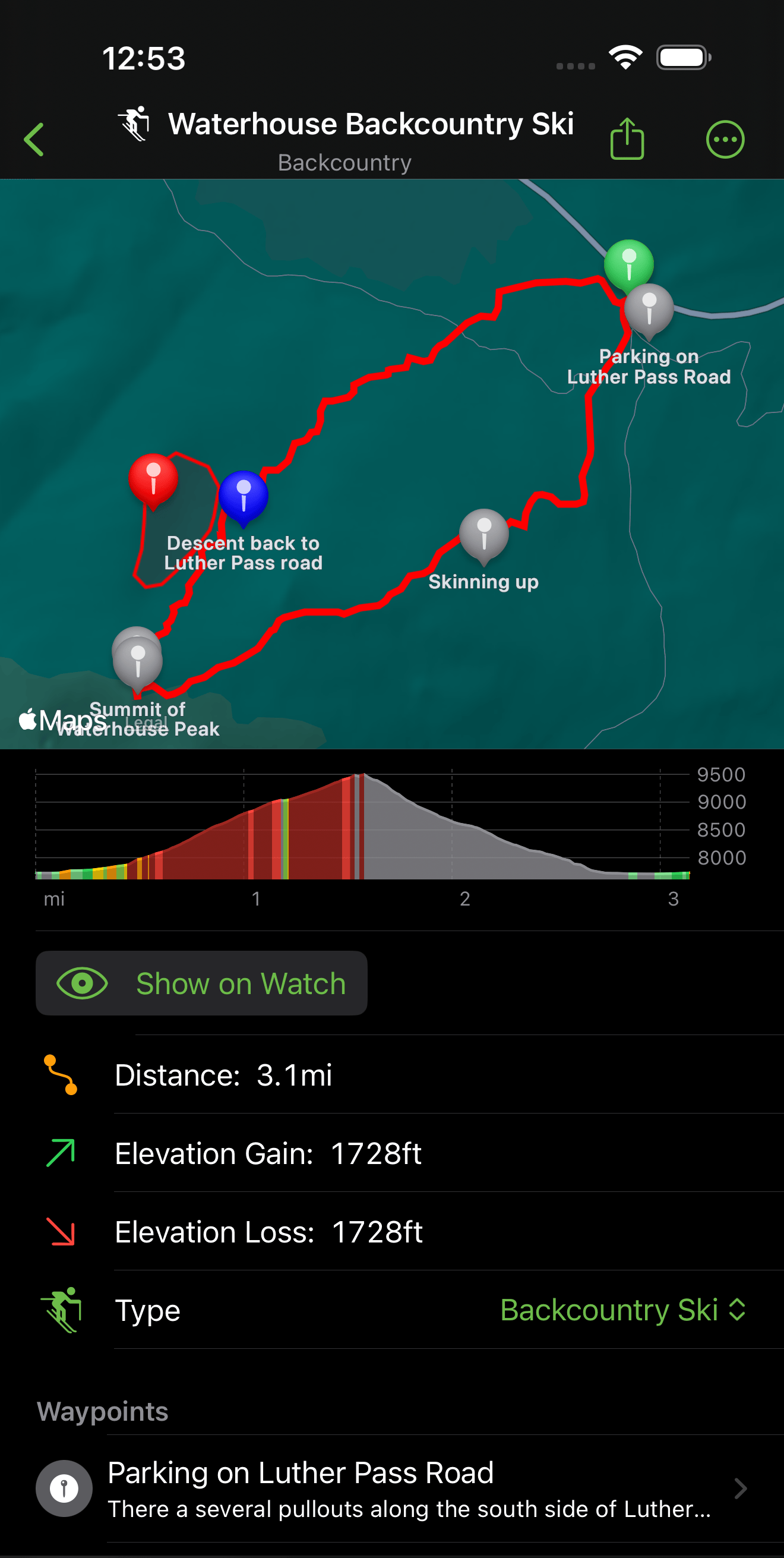
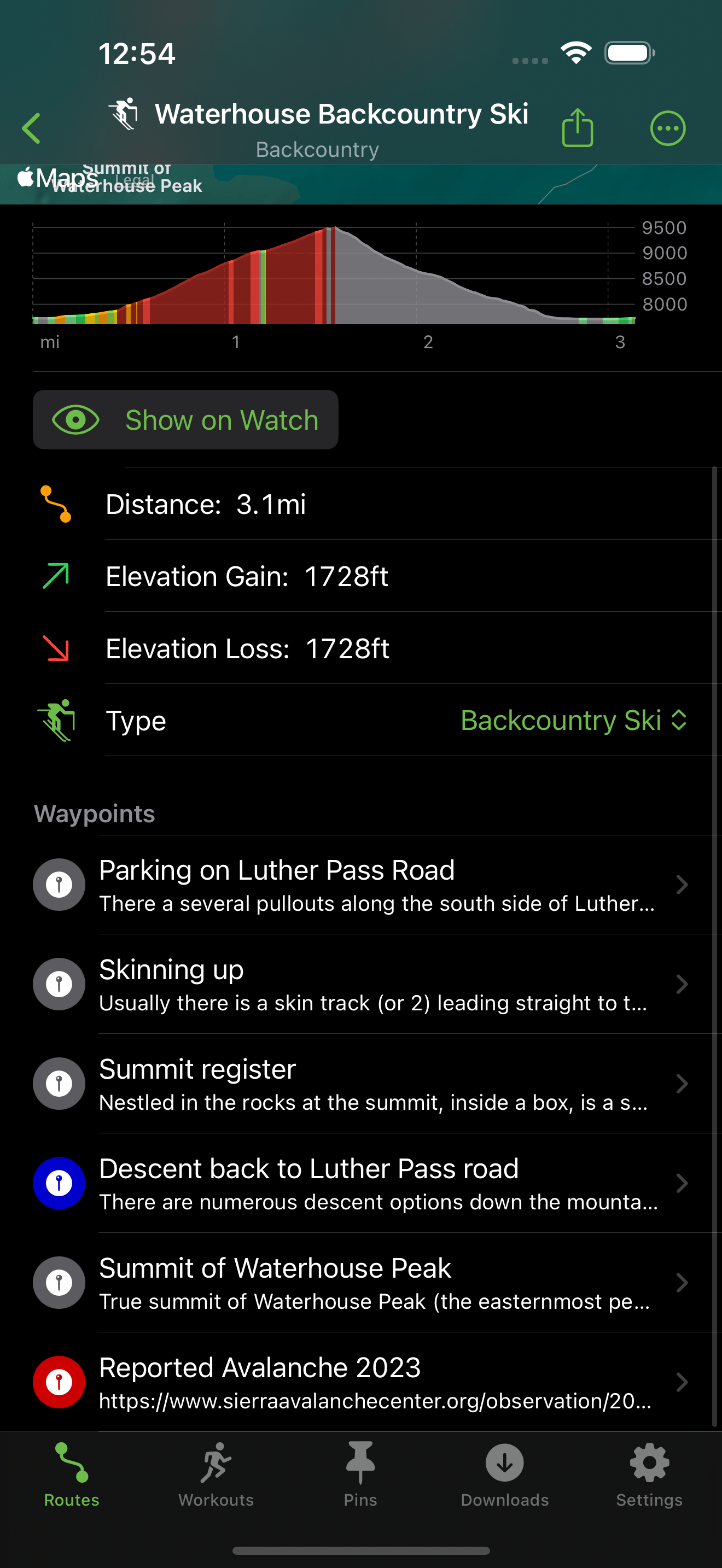
Export a Route or Workout to CalTopo
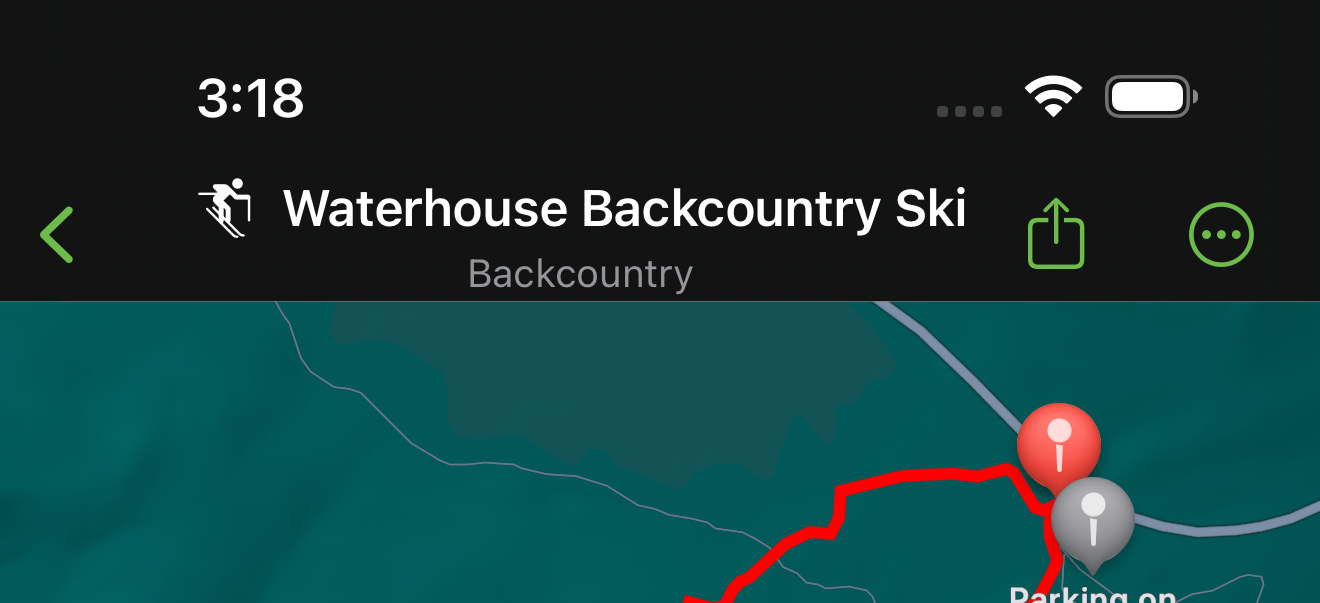
- Tap the share icon in the top right of the workout or route detail screen.
- Tap "Save to Files"
- Save it to an easy to find location like "Downloads"
- Open CalTopo
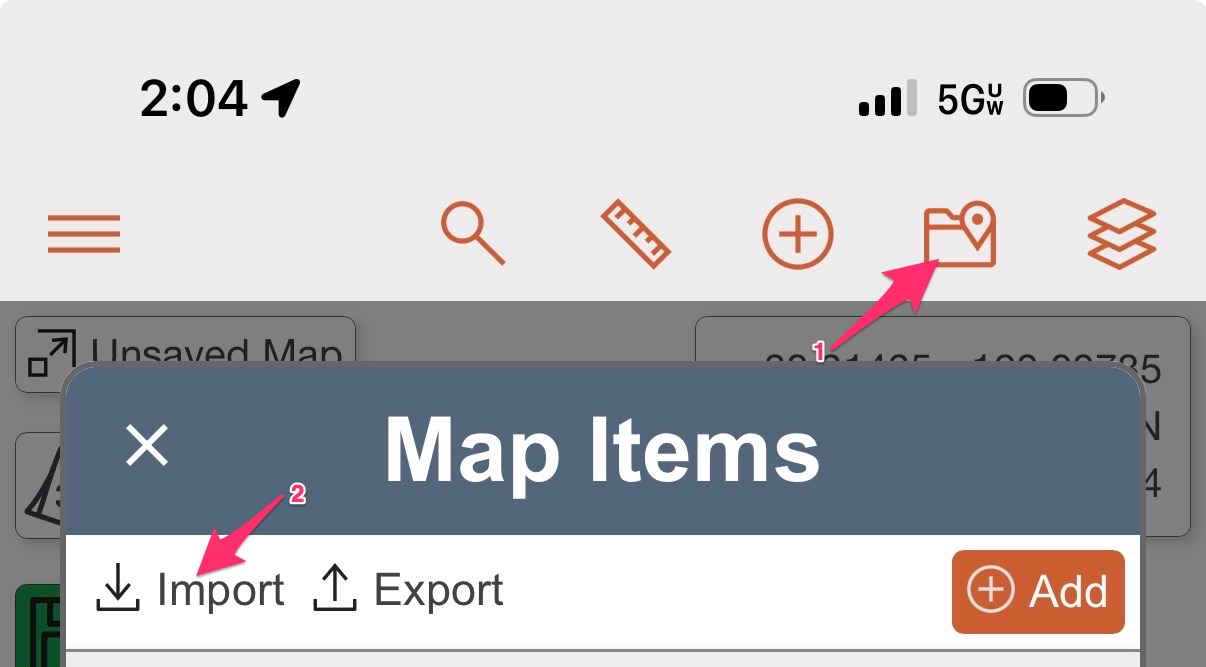
- Tap on the "Map Items" icon on the top right
- Select "Import" and then "Choose Files"
- Find the exported file to import in Files